Submitting a Pharmaceutical Opinion
When a prescriber completes a Pharmaceutical Opinion form and sends it back to the pharmacy, it can be billed to the provincial third party plan, where applicable. This is done by completing the prescription.
To submit a Pharmaceutical Opinion:
- Search for and select the patient.
- Select the Profile tab.
- Highlight the Pharmaceutical Opinion prescription with a status of Incomplete.
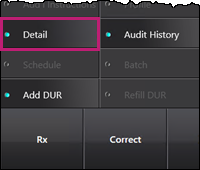
- Select Rx > Detail.
The Opinions Form window appears. - Enter the following information:
- Pharmacist Action Plan and Discussion with patient
- Outcome dropdown - select the appropriate outcome.
- Pharmacist - select the pharmacist that is completing the Pharmaceutical Opinion.
- Scan any relevant documents, including the prescribers response.
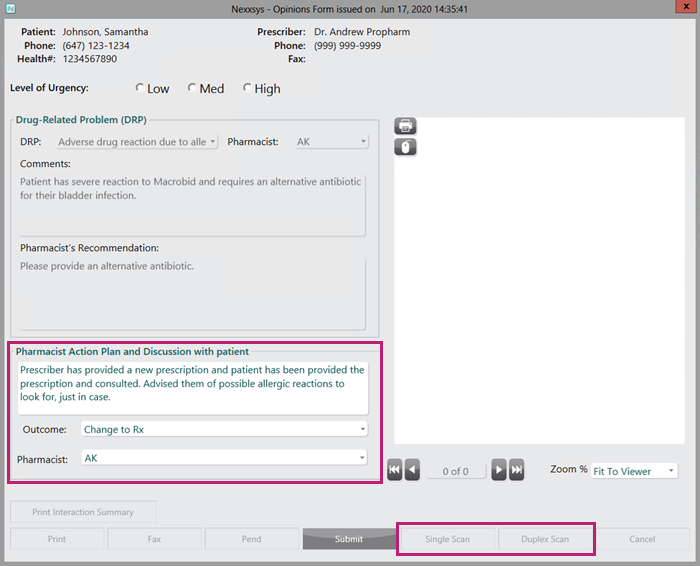
- Select Submit. The Pharmaceutical Opinion opens in Rx Detail and automatically process as a prescription.